> For the complete documentation index, see [llms.txt](https://learn.autoreelapp.com/llms.txt). Markdown versions of documentation pages are available by appending `.md` to page URLs; this page is available as [Markdown](https://learn.autoreelapp.com/getting-started/autoreel-overview.md).
# AutoReel Overview
AutoReel is an all-in-one real estate marketing platform for **AI-powered photo editing** and **photo-to-video creation**. Transform your listing photos into cinematic, scroll-stopping videos in minutes — no editing skills required. Just import your photos, customize your visuals, and share on MLS and social media.
{% stepper %}
{% step %}
### Upload your photos
Simply import listing photos directly from Realtor.com or Dropbox with one click, or upload them from your device manually.
{% endstep %}
{% step %}
### Edit and virtually stage your photos
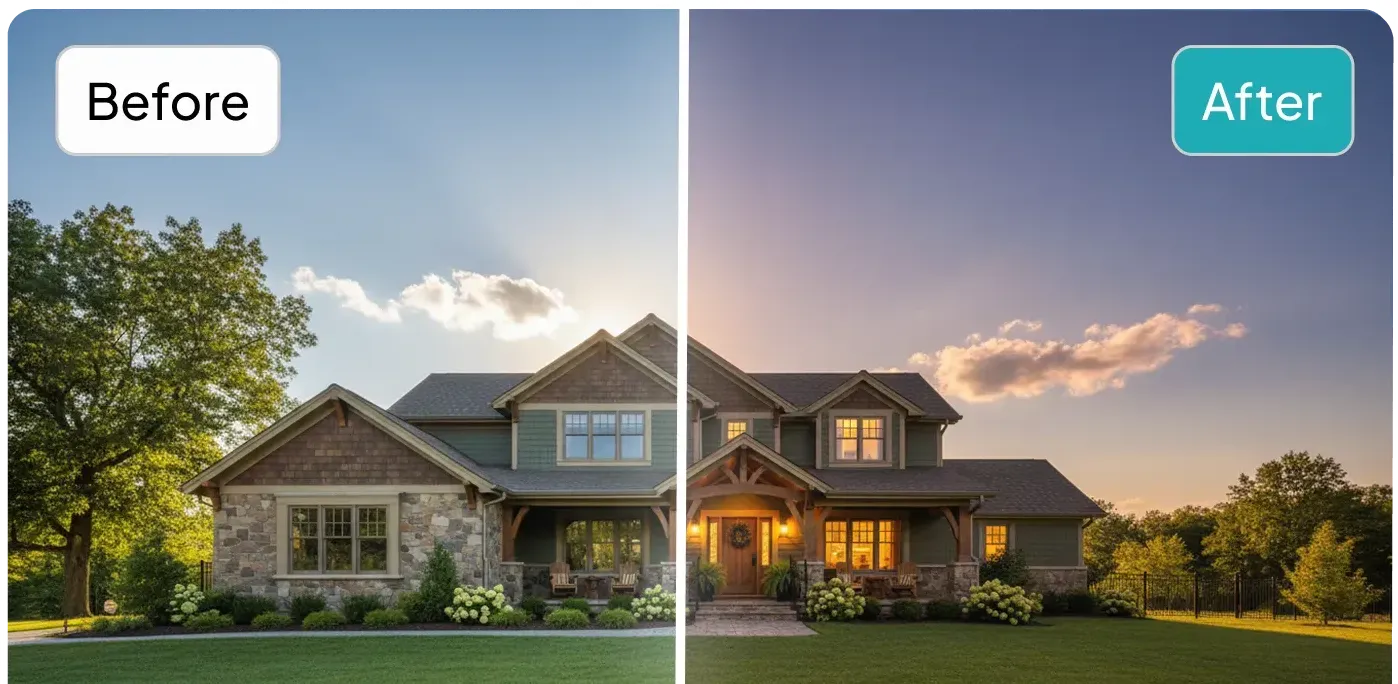
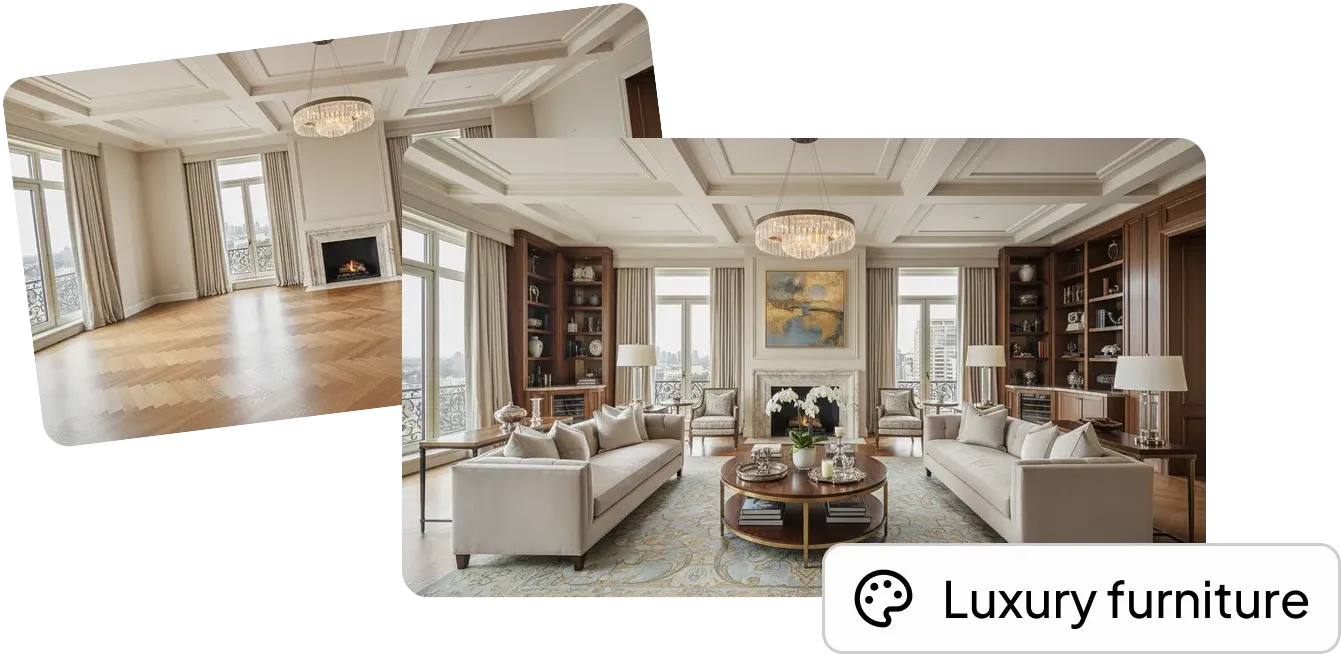
Enhance your photos before the video is created. Add twilight skies, repair lawns, remove cars, or virtually stage empty rooms — so every shot looks its best on screen.
{% content-ref url="/pages/NPn8DbKv7n39Qi6dxiBS" %}
[Photo Edits & Virtual Staging](/photo-edits-and-virtual-staging/photo-editing-and-virtual-staging.md)
{% endcontent-ref %}
{% endstep %}
{% step %}
### Create a video
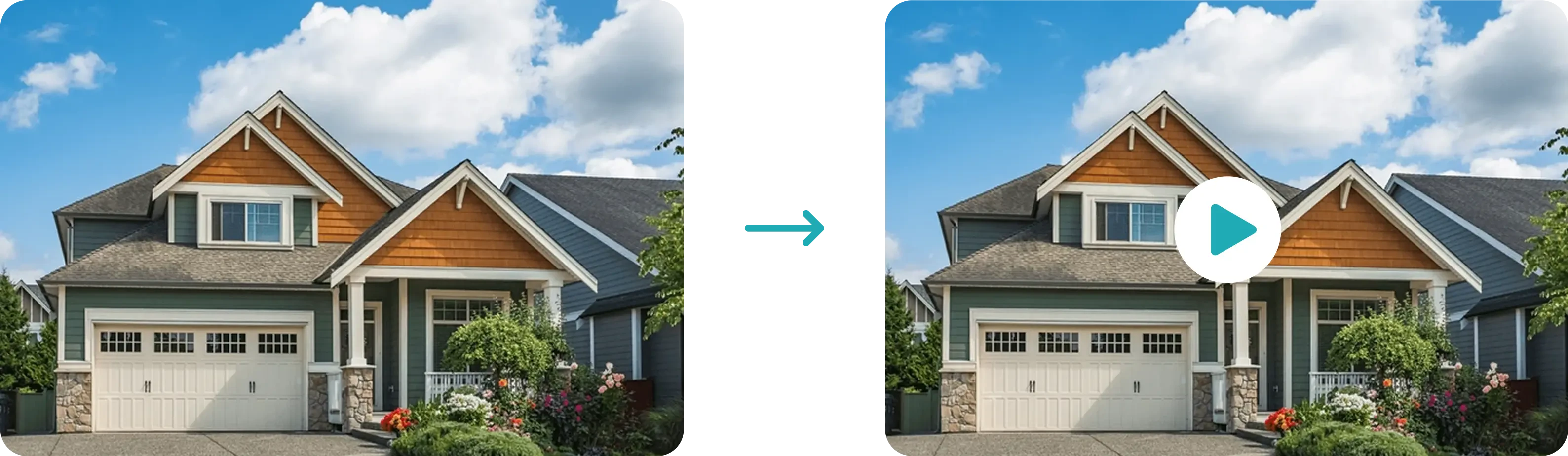
Generate a stunning video from just your photos in just minutes.
{% content-ref url="/pages/HF8FUbJ4rv0Dv7sJyOKo" %}
[How To: Create a Video](/creating-a-video/how-to-create-a-video.md)
{% endcontent-ref %}
{% endstep %}
{% step %}
### Brand your video
Add templates, branding, music, voiceovers, and avatars to truly make the video yours.
{% content-ref url="/pages/7WBjaXe2w0nLbGNrsDGF" %}
[Create an unbranded video](/creating-a-video/how-to-create-a-video/create-an-unbranded-video.md)
{% endcontent-ref %}
{% endstep %}
{% step %}
### Share everywhere
That's it! Copy your video link or download your video to share on MLS, with clients, or on social media.
{% content-ref url="/pages/3llHsjApE8Ueh1vFA3hO" %}
[How To: Download and Share Videos](/creating-a-video/how-to-download-and-share-videos.md)
{% endcontent-ref %}
{% endstep %}
{% endstepper %}