> For the complete documentation index, see [llms.txt](https://learn.autoreelapp.com/llms.txt). Markdown versions of documentation pages are available by appending `.md` to page URLs; this page is available as [Markdown](https://learn.autoreelapp.com/creating-a-video/how-to-create-a-video/create-a-branded-video/music.md).
# Music
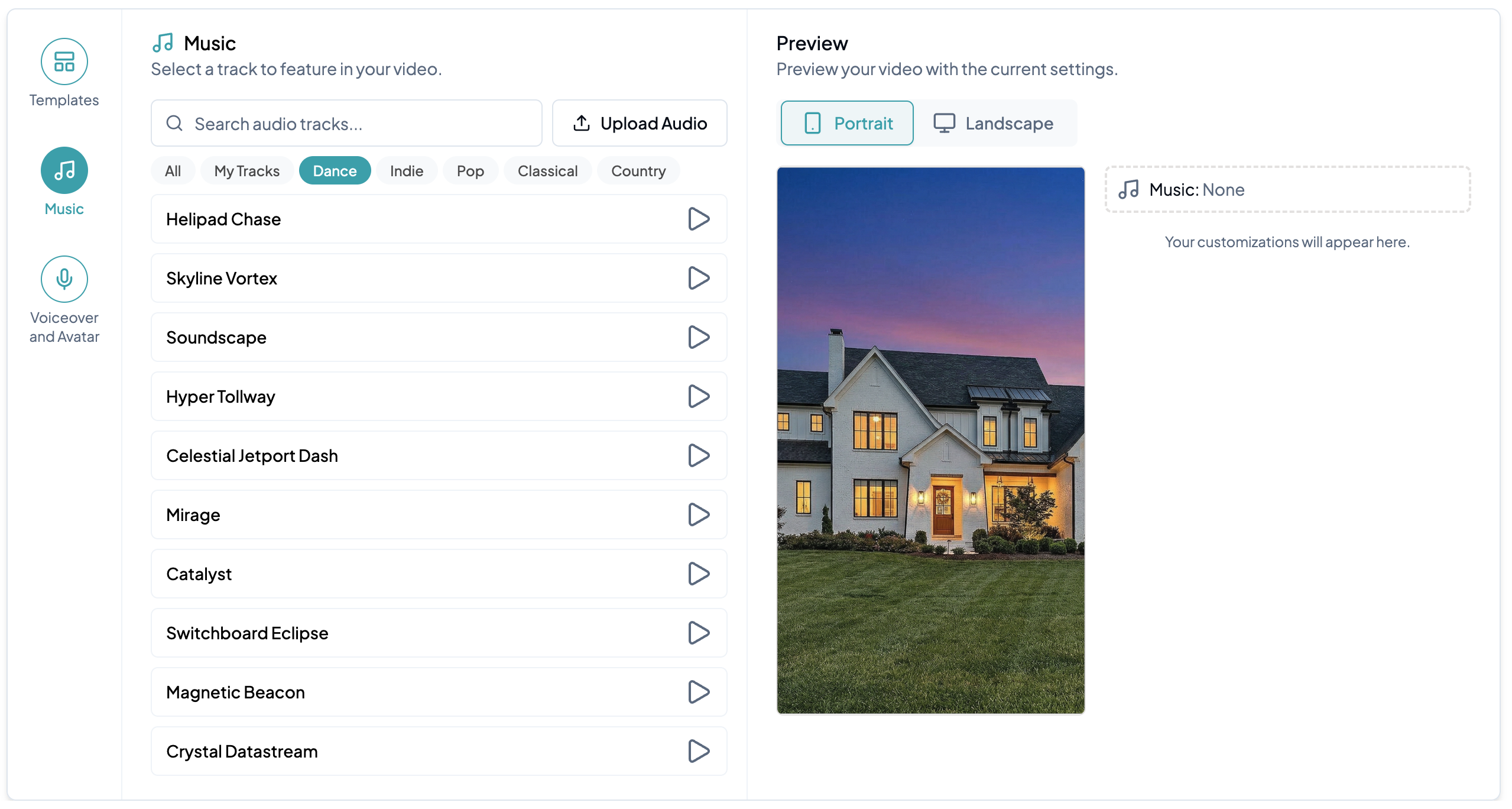
Click **Music** in the sidebar to add audio to your video. Choose from our library of royalty-free tracks across multiple categories, safe to post anywhere without copyright issues. Click the **Play** button on any track to preview it before adding it to your video.
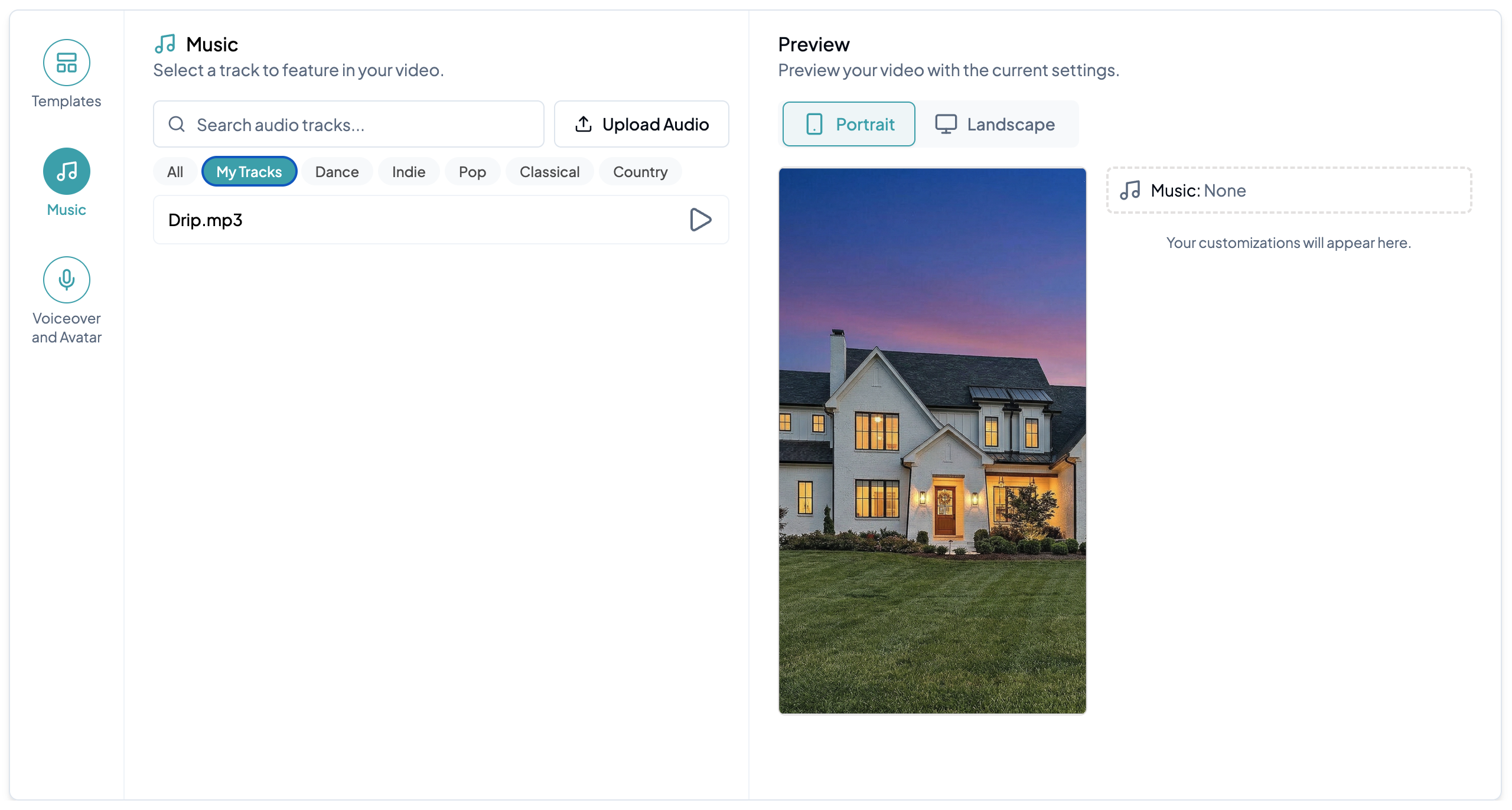
To use your own audio, click **Upload Audio** to upload a track from your device. Once uploaded, it will appear under **My Tracks**.
Select any track to match the vibe of your video.