> For the complete documentation index, see [llms.txt](https://learn.autoreelapp.com/llms.txt). Markdown versions of documentation pages are available by appending `.md` to page URLs; this page is available as [Markdown](https://learn.autoreelapp.com/creating-a-video/how-to-create-a-video/create-a-branded-video/templates.md).
# Templates
{% stepper %}
{% step %}
### Add intro template
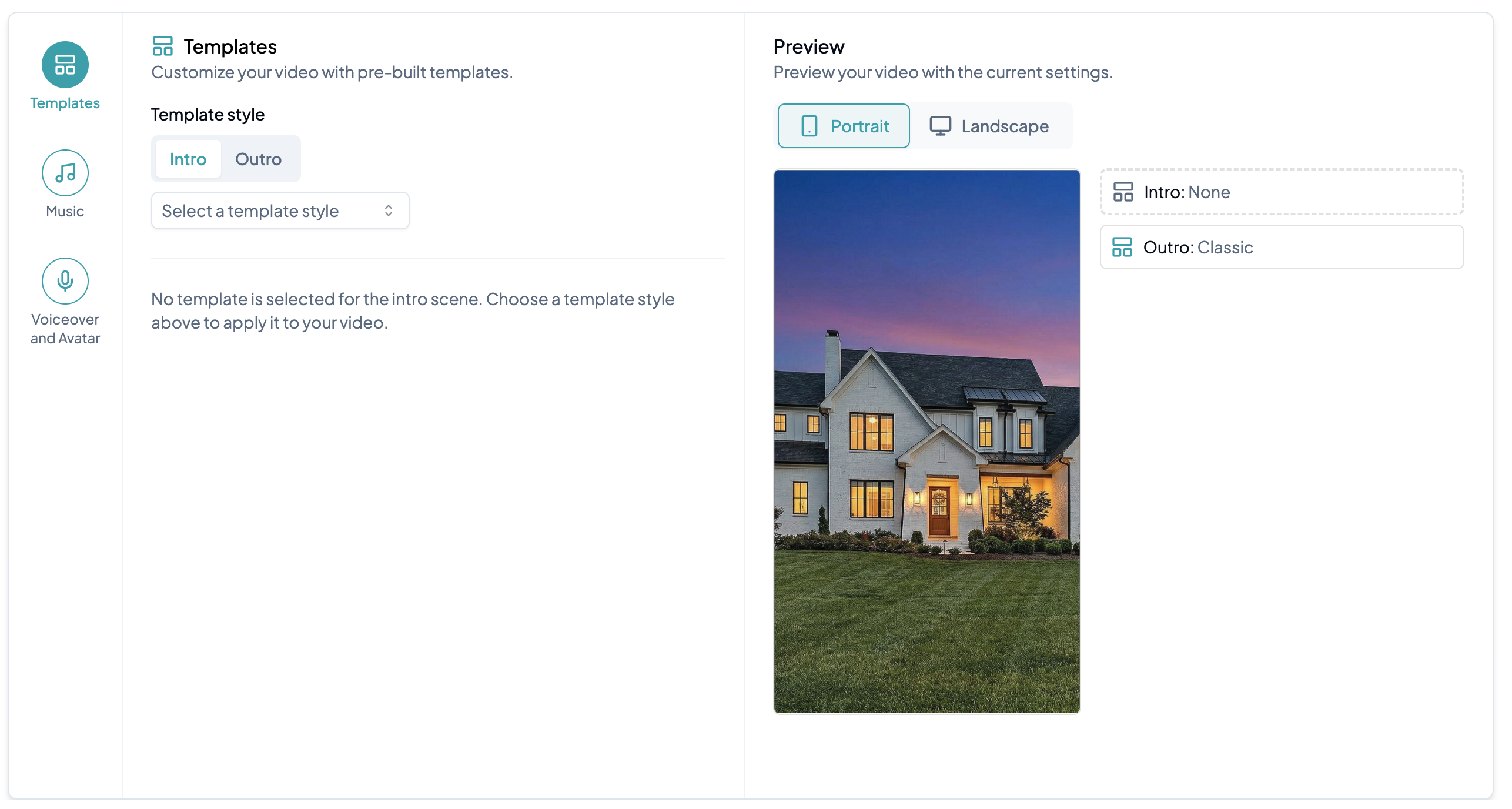
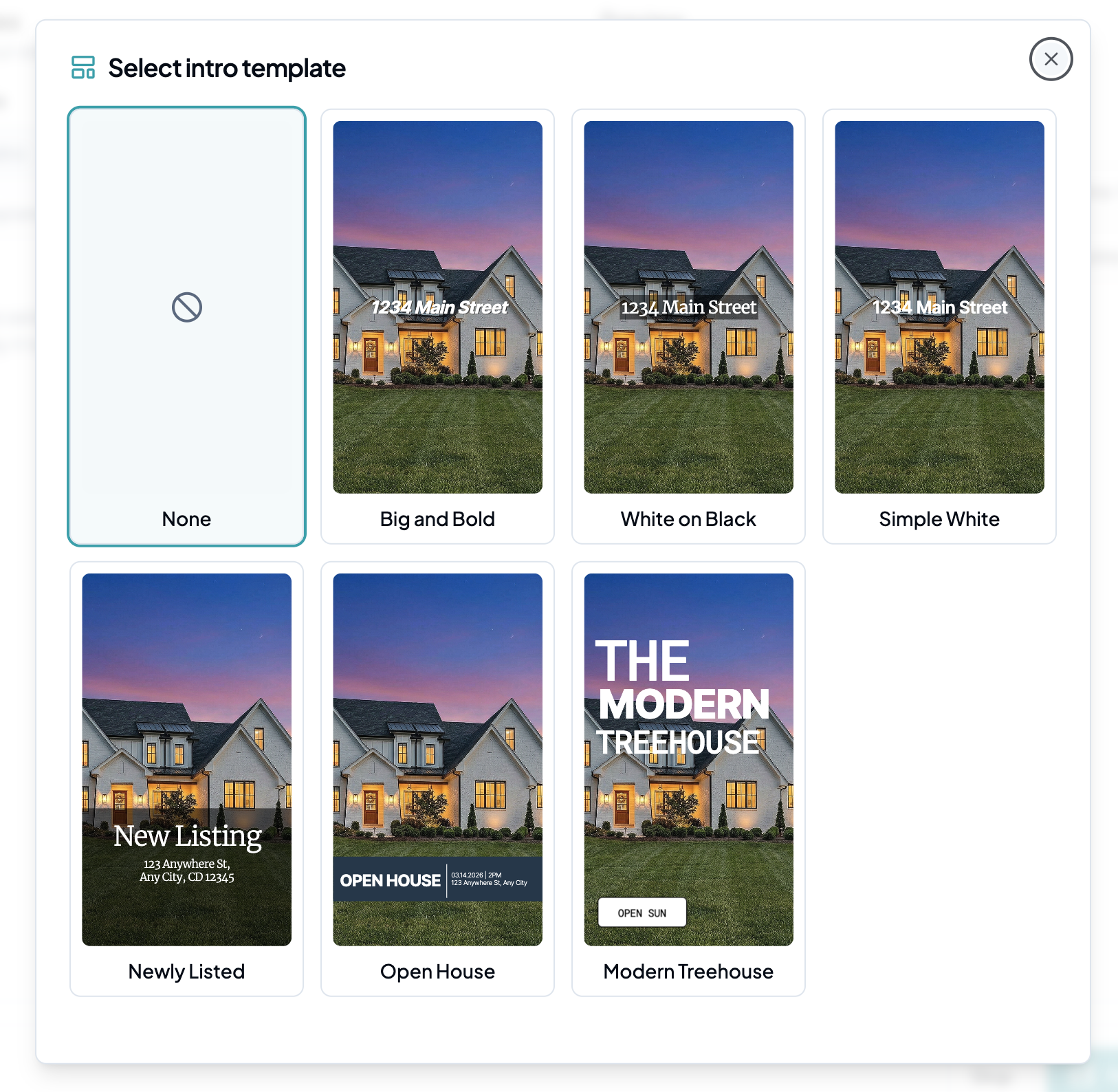
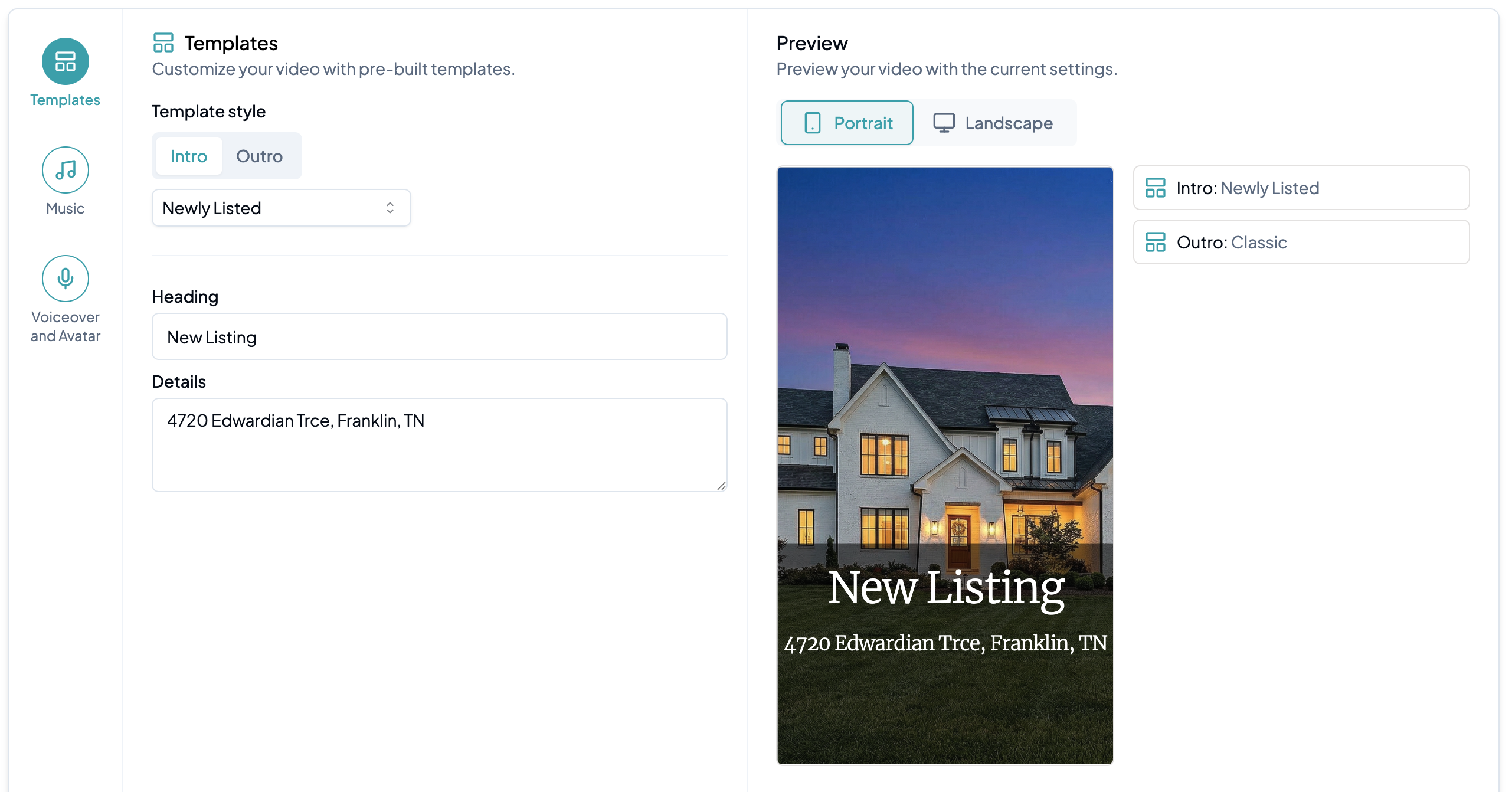
Click **Select a template style** to choose a template for the first 3 seconds of your video. Preview each option to find the right fit, then edit the text directly. Your changes will appear in the live preview in real time.
{% endstep %}
{% step %}
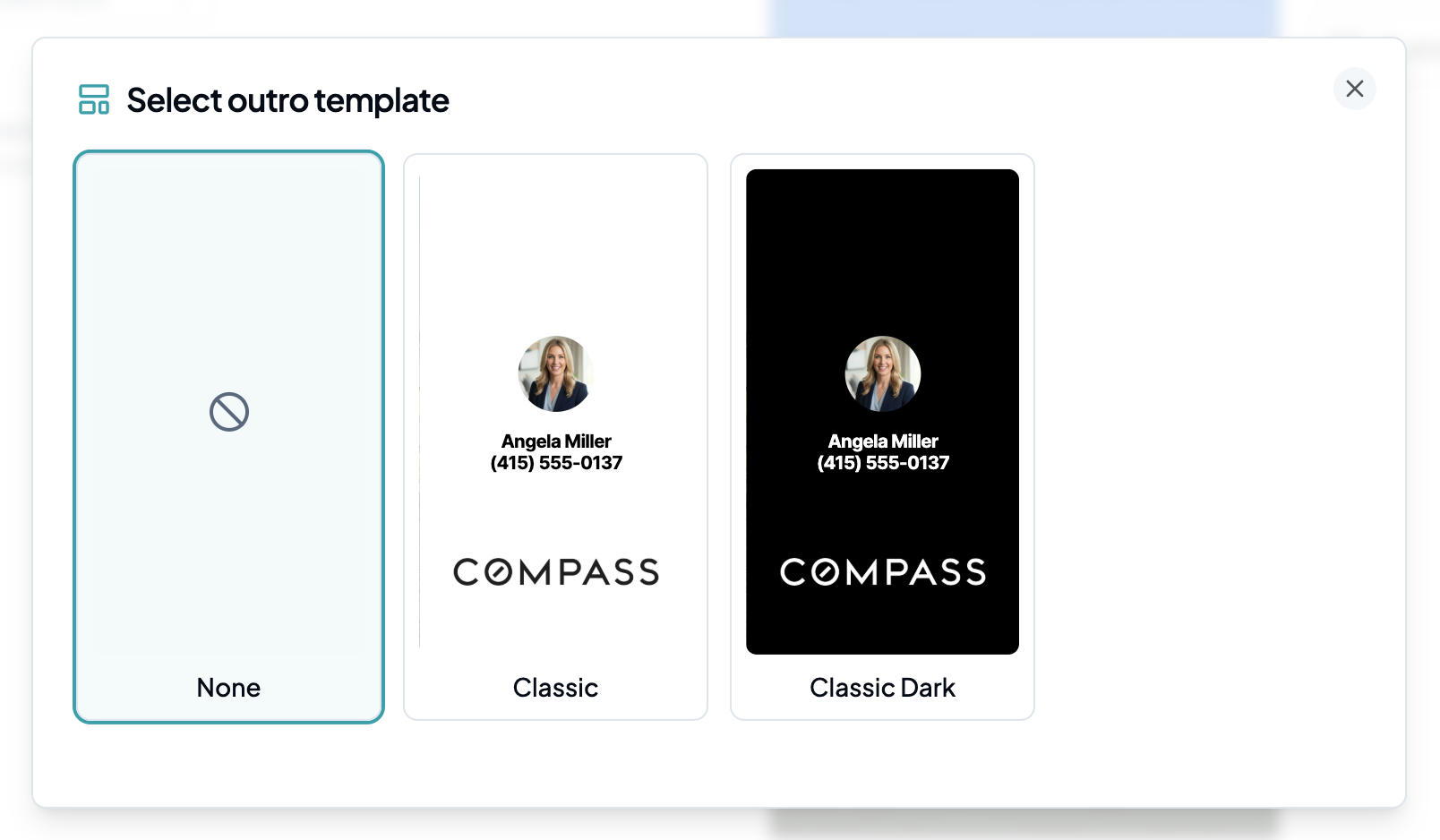
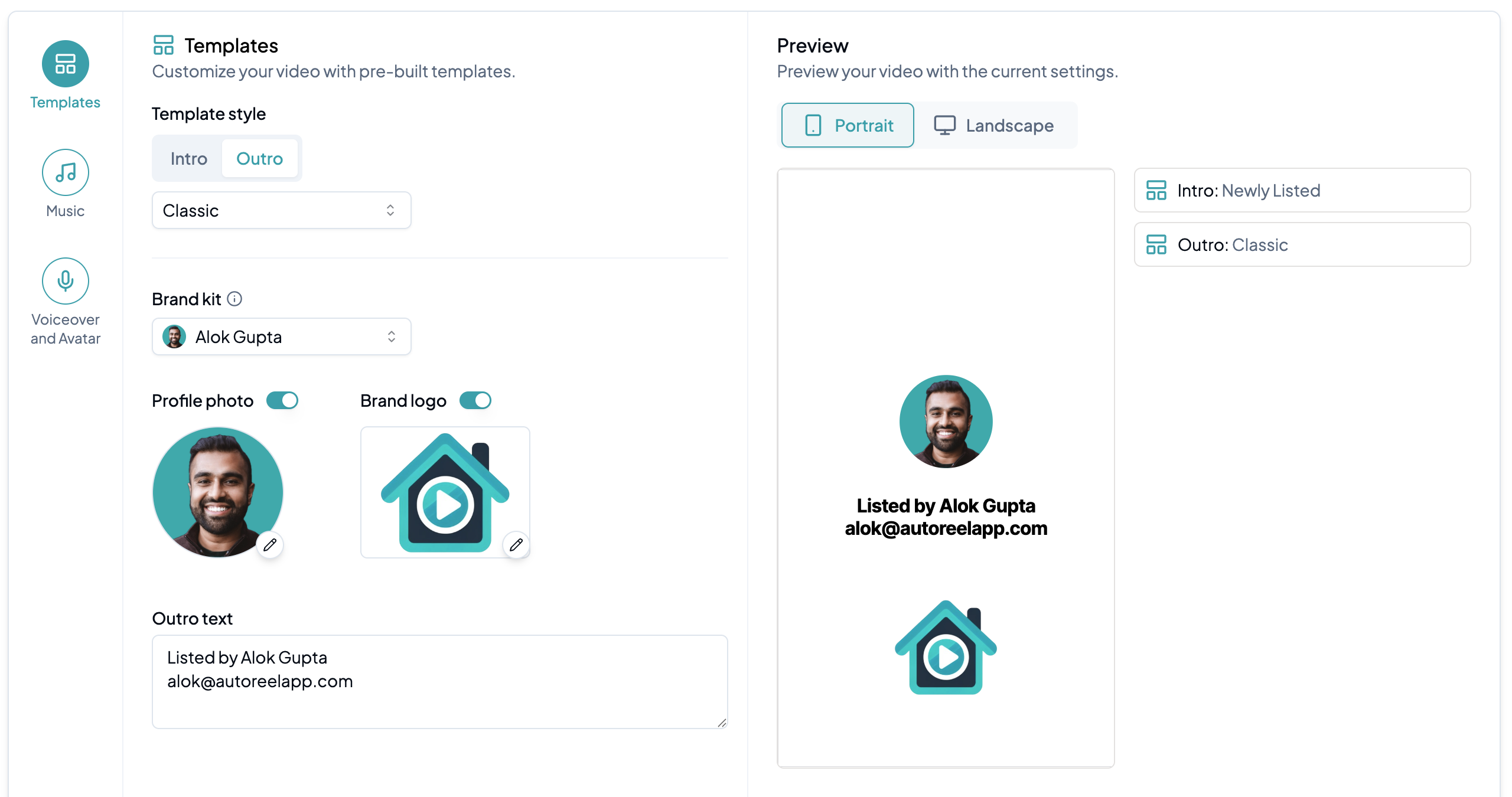
### Add outro template
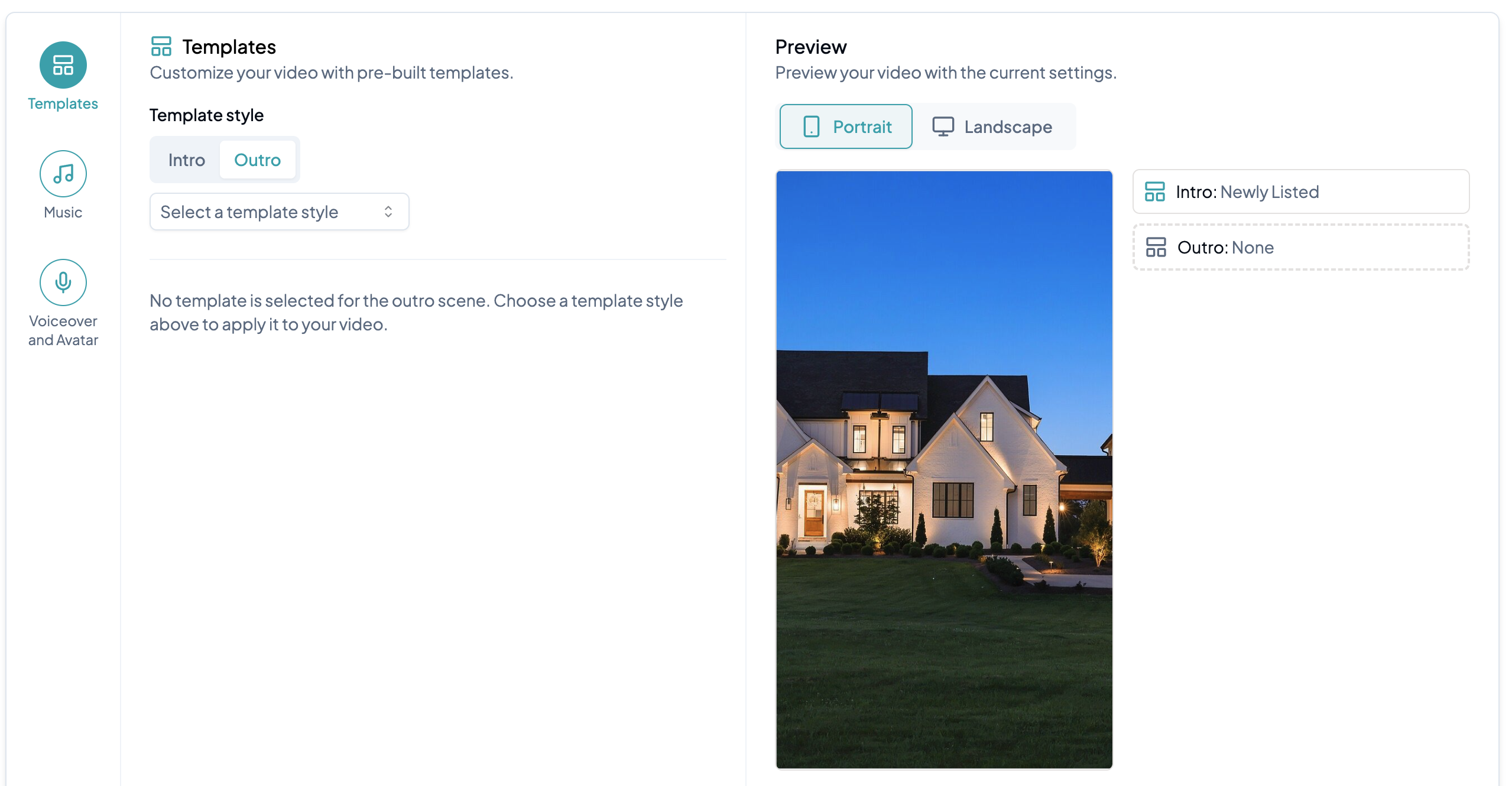
Click **Select a template style** to choose a template for the last 3 seconds of your video. Adjust your **Profile Photo**, **Brand Logo**, and **Outro Text** as needed.
To save time on future videos, use a Brand Kit to store and reuse your branding information automatically. [Learn more about Brand Kits here.](/creating-a-video/how-to-create-a-video/create-a-branded-video/brand-kits.md)
{% endstep %}
{% endstepper %}